
Boost your blog post indexing: 10 essential strategies
While SEO focuses on ranking, getting into Google’s index is the first step. Though Google is a massive indexing entity, being noticed isn’t inherently difficult, there’s no high barrier.
There are many ways to prompt Google to find and index your site; let’s explore them.
The importance of this concern
If your site isn’t indexed, you won’t appear in Google searches, which account for most site traffic.
Delayed indexing is also harmful; Google may only index your site monthly. This means new posts can take days or weeks to get exposure, allowing competitors to surpass you or causing your content’s relevance to fade.
These methods help get your website into Google’s index pretty fast. They keep things fresh in the search results too.
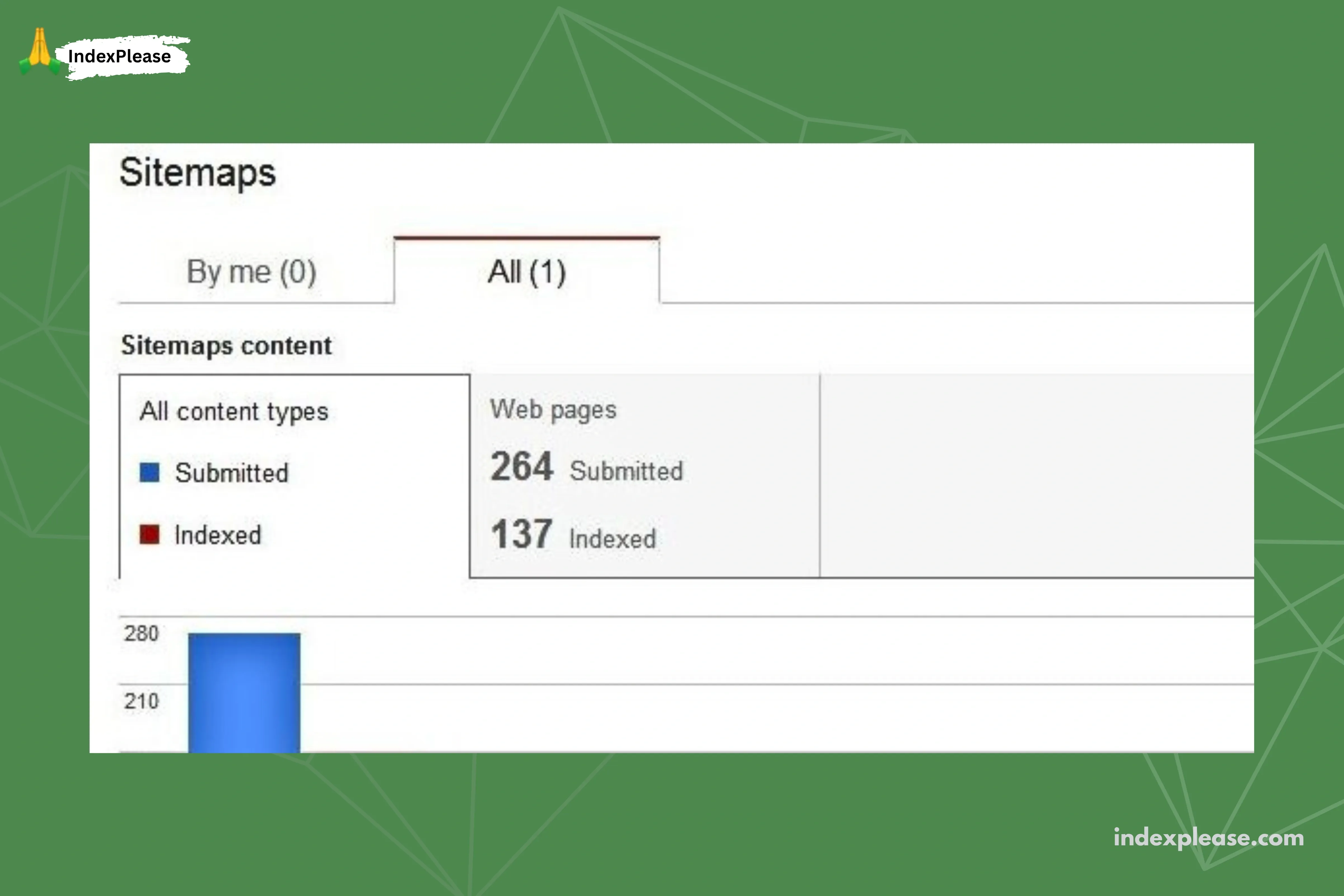
You can see if your site shows up in the index by entering site:[suspicious link removed] right into Google. Another option is to head over to Google Search Console.
Hooking up your site to Search Console counts as step zero in a way. It proves the site belongs to you. That connection opens up the tools for you to use. It also lets Google know your site is live and ready.
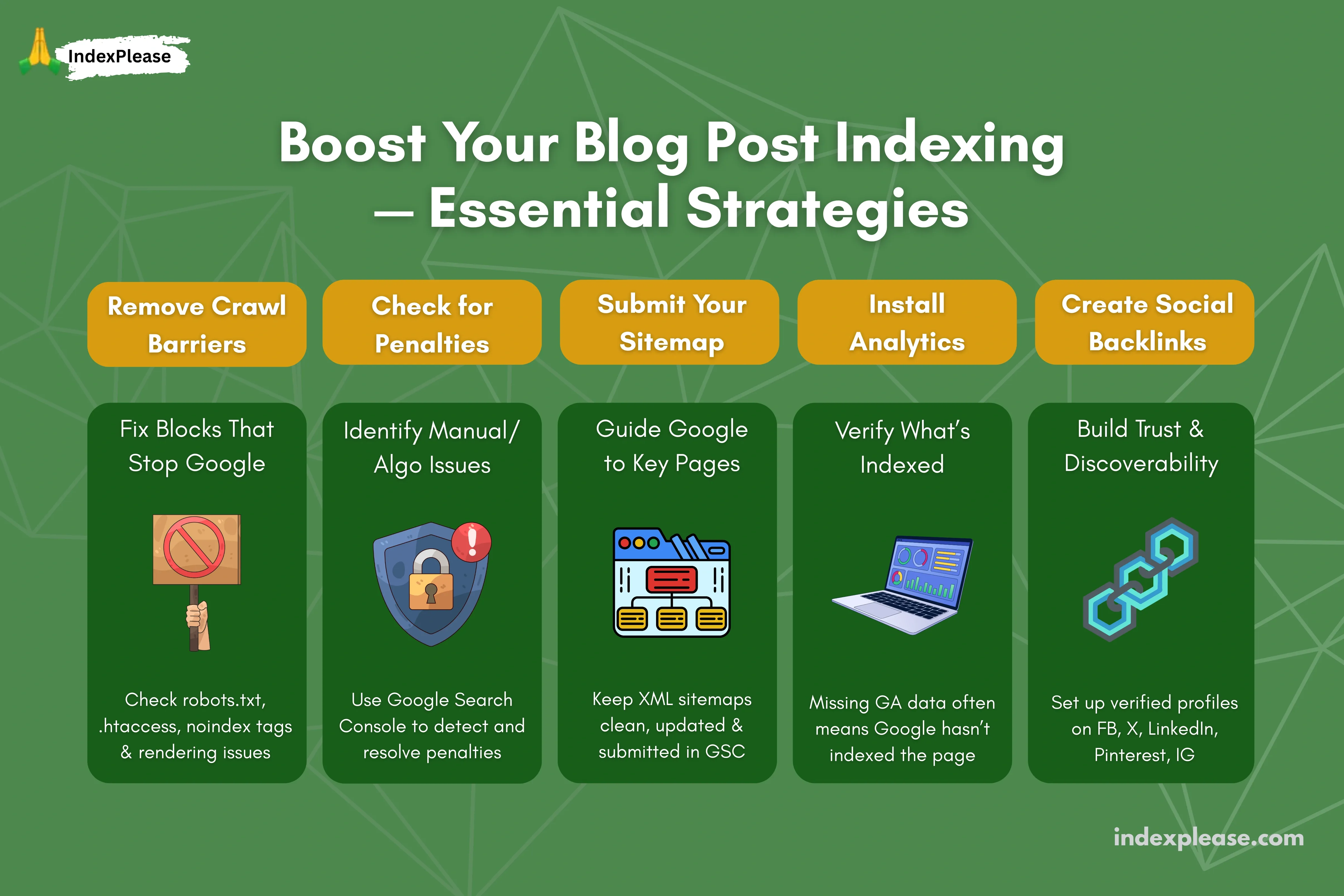
1. Check for search spider obstacles
Indexing issues can stem from various causes. Check these possibilities:
Ensure your .htaccess file doesn’t contain redirects or bot disallows that block Google’s search spiders.
Ensure your robots.txt file isn’t preventing the indexing of visible site sections.
Ensure your site renders and remains accessible across various browsers and with different levels of script blocking.
Avoid iframes or other outdated web formats that can cause indexing errors.
A frequent error is the blanket noindexing of a site during construction and then failing to remove this bot-blocking directive after launch.
2. Check for Google penalties
Google search penalties are either implied penalties (algorithmic demotion) or manual actions (viewable in Google Search Console).
Since unindexed sites aren’t affected by implied penalties, linking your property to Search Console is essential to check for manual actions.
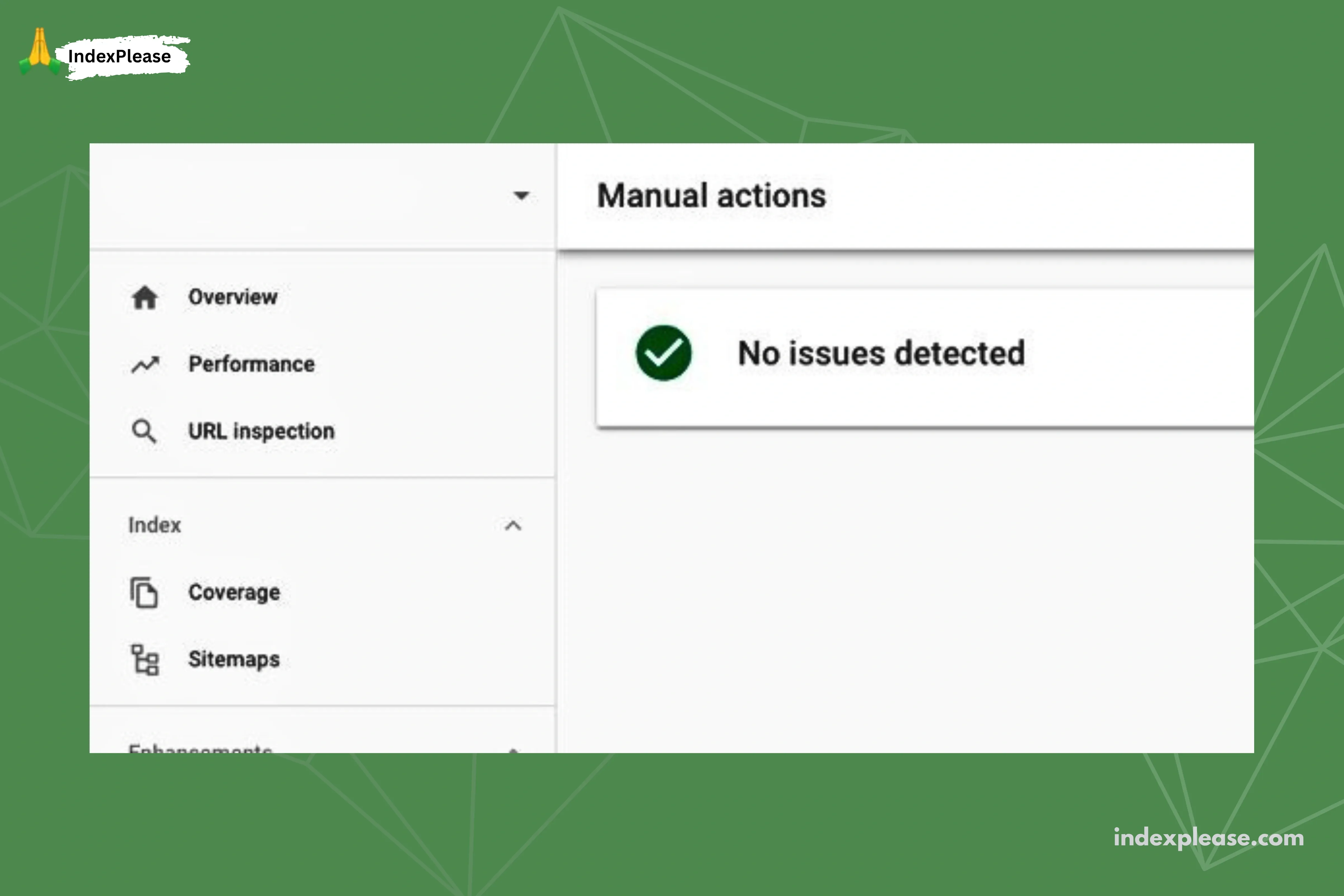
Check this guide on penalties and recovery. Any penalized site strategy will cause indexing issues. Check for and resolve any manual actions on your account.
3. Submit your sitemap to Google
Google’s only submission form is for your sitemap. Sitemaps are lists of all site page links, including basic info like the last edit date, that help Google index your site.
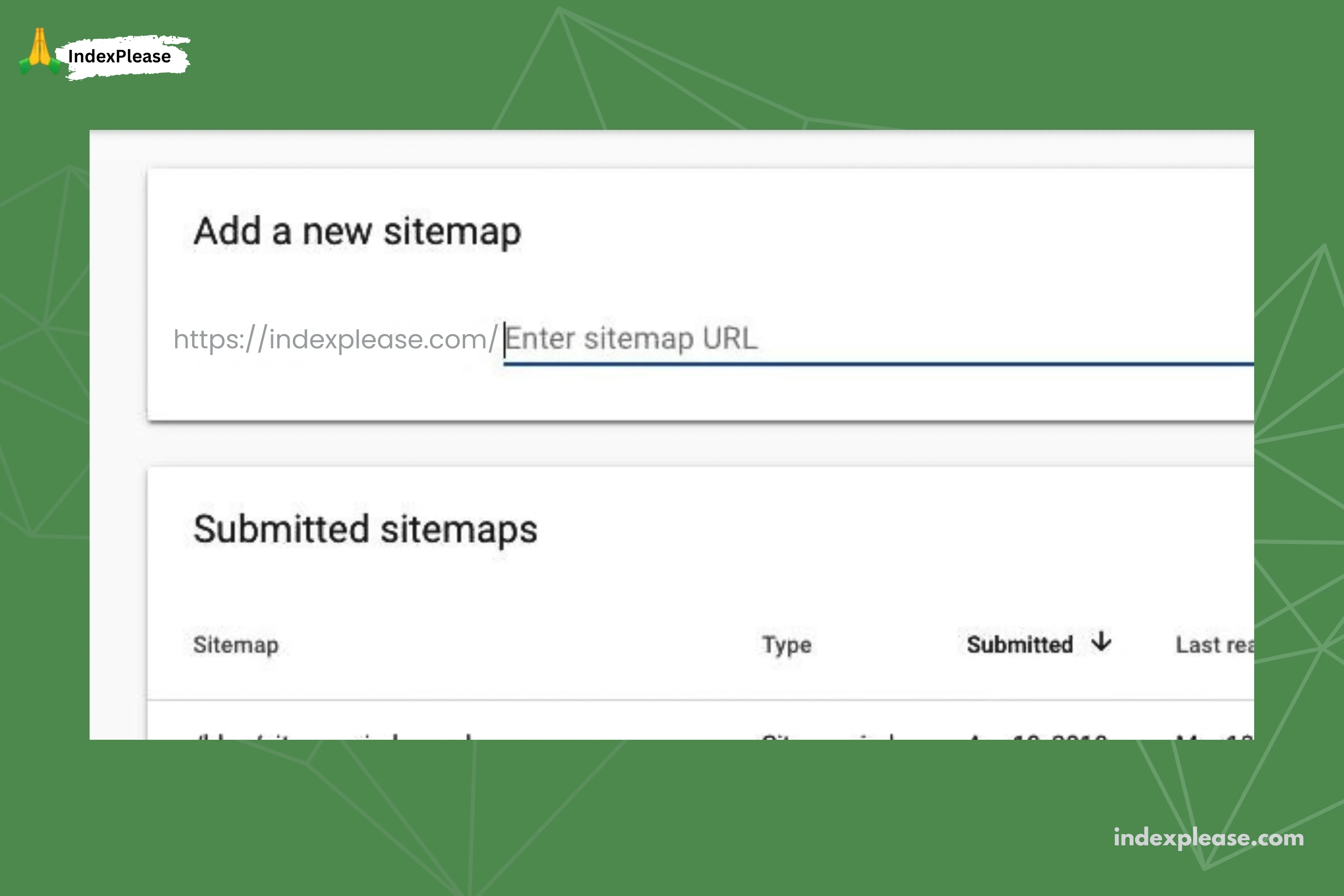
A sitemap helps Google check for site changes since the last index. While Google still crawls your site, a sitemap offers an overview.
Generate your sitemap (using various methods) and submit the link via Google Search Console, keeping the sitemap updated on your site.
This is excellent for initial site indexing and informs Google of new or updated pages, keeping their index current.
4. Install Google Analytics
Google Analytics is a powerful, free tool providing essential insights into your traffic and website performance. Sign up and install the tracking code.
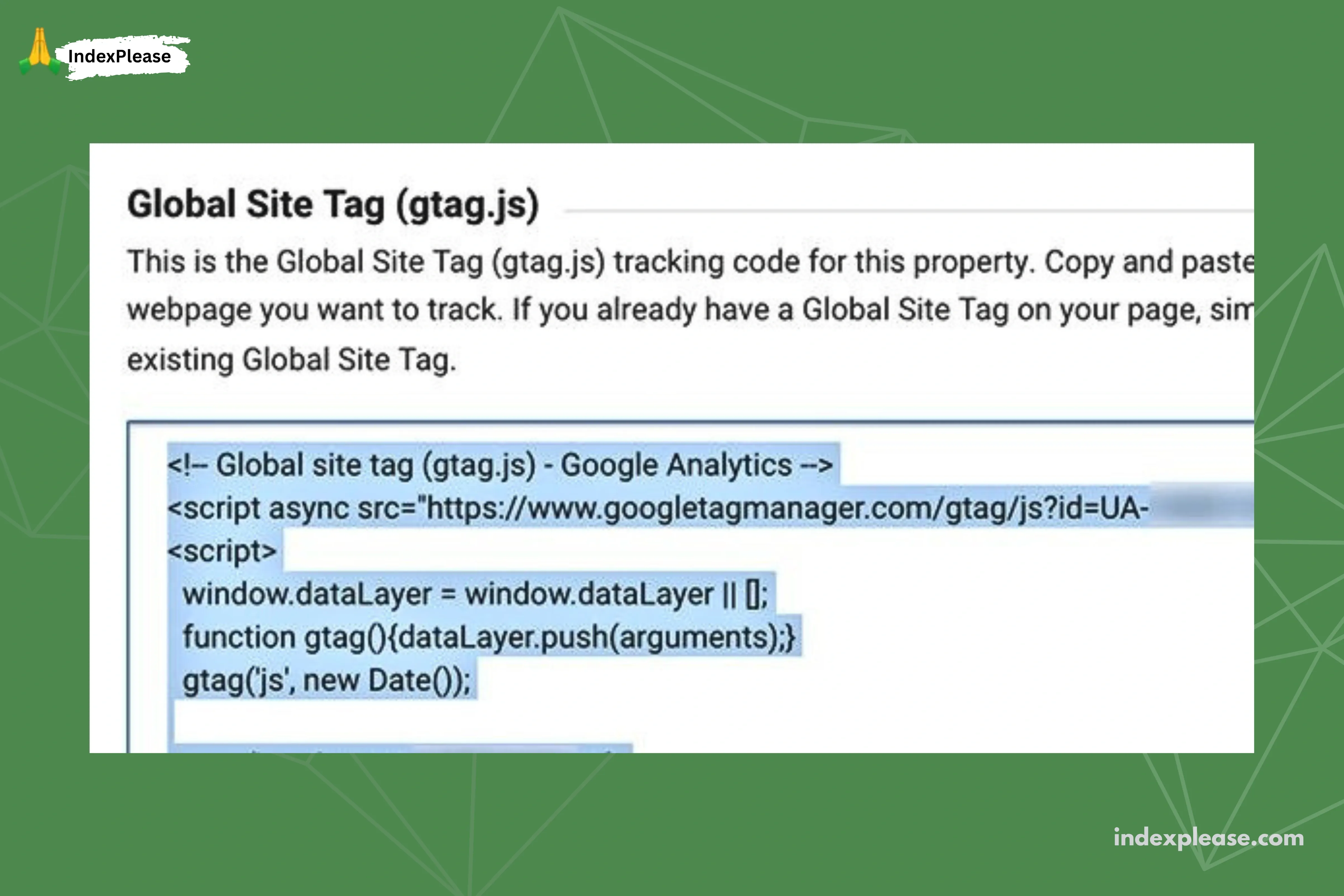
To ensure Google indexes your entire site, use Google Analytics. If a new page lacks data, Google hasn’t indexed it or the tracking code is missing, indicating an issue to fix.
5. Make social media profiles with backlinks
Appearing in the search index often depends on organic web presence, largely driven by backlinks.
Without links to your site, people can’t find it. Social media links, while indexed and useful for Google to discover new content, offer minimal to no backlink value.

Establish company profiles on Facebook, X/Twitter and LinkedIn at a minimum. For specific niches, consider Pinterest and Instagram.
While continuous activity isn’t mandatory (though social marketing is strong), ensure profiles hold accurate information for those who search for you.
6. Guest posts for link building
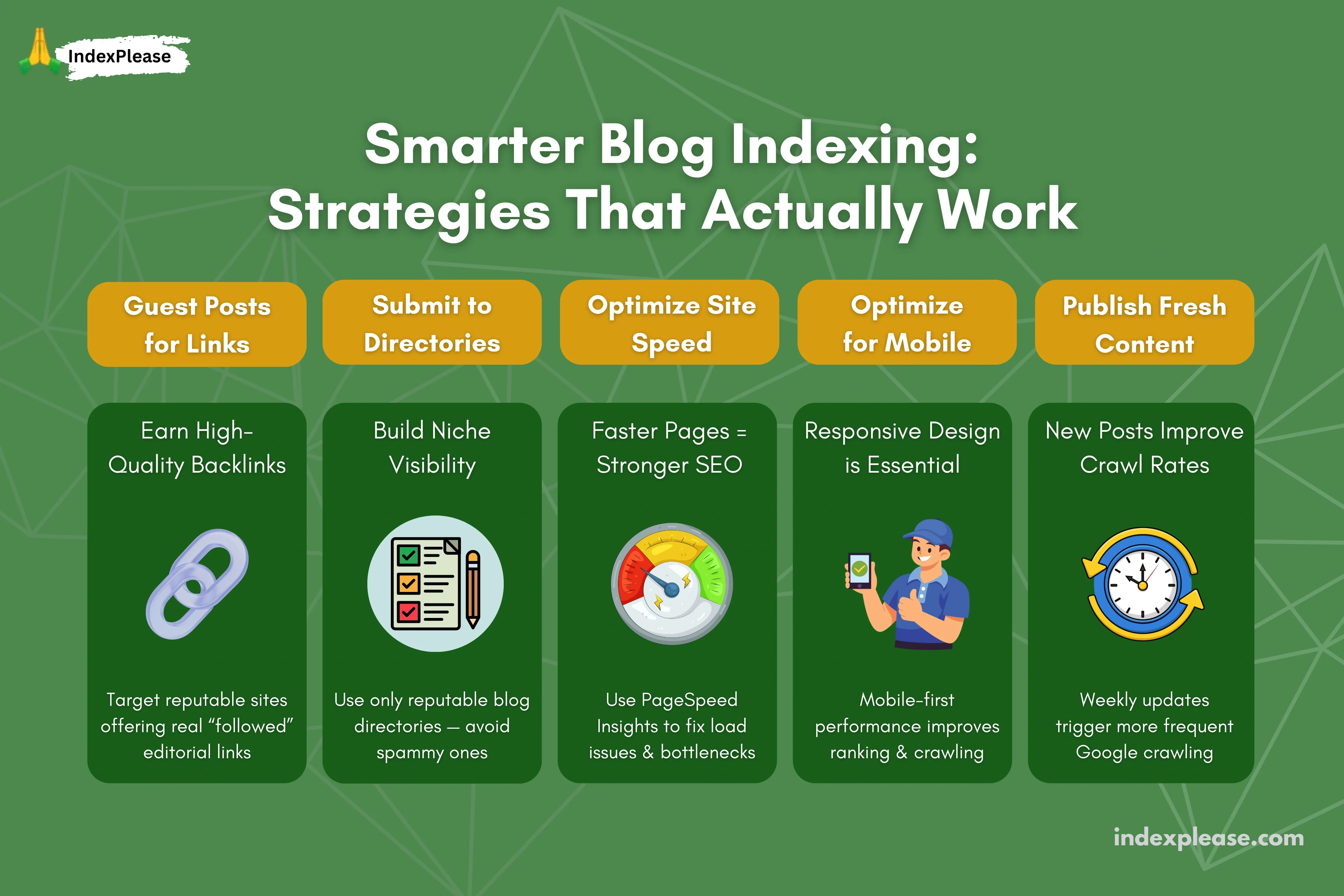
Building external, controllable links is difficult. It requires reputation, content publication and earning ‘followed’ editorial links, not just ‘nofollowed’ ones.
Guest posting offers quality content links, but you must find high-quality, accepting sites that provide ‘followed’ links. ‘No followed’ links or brand mentions are less effective alternatives.
7. Submit site to reputable blog directories
Blog directories aggregate links, acting as hubs for niche content.
While social media often serves this purpose now, directories still exist, offering a way to gain backlinks and build awareness by submitting your link.
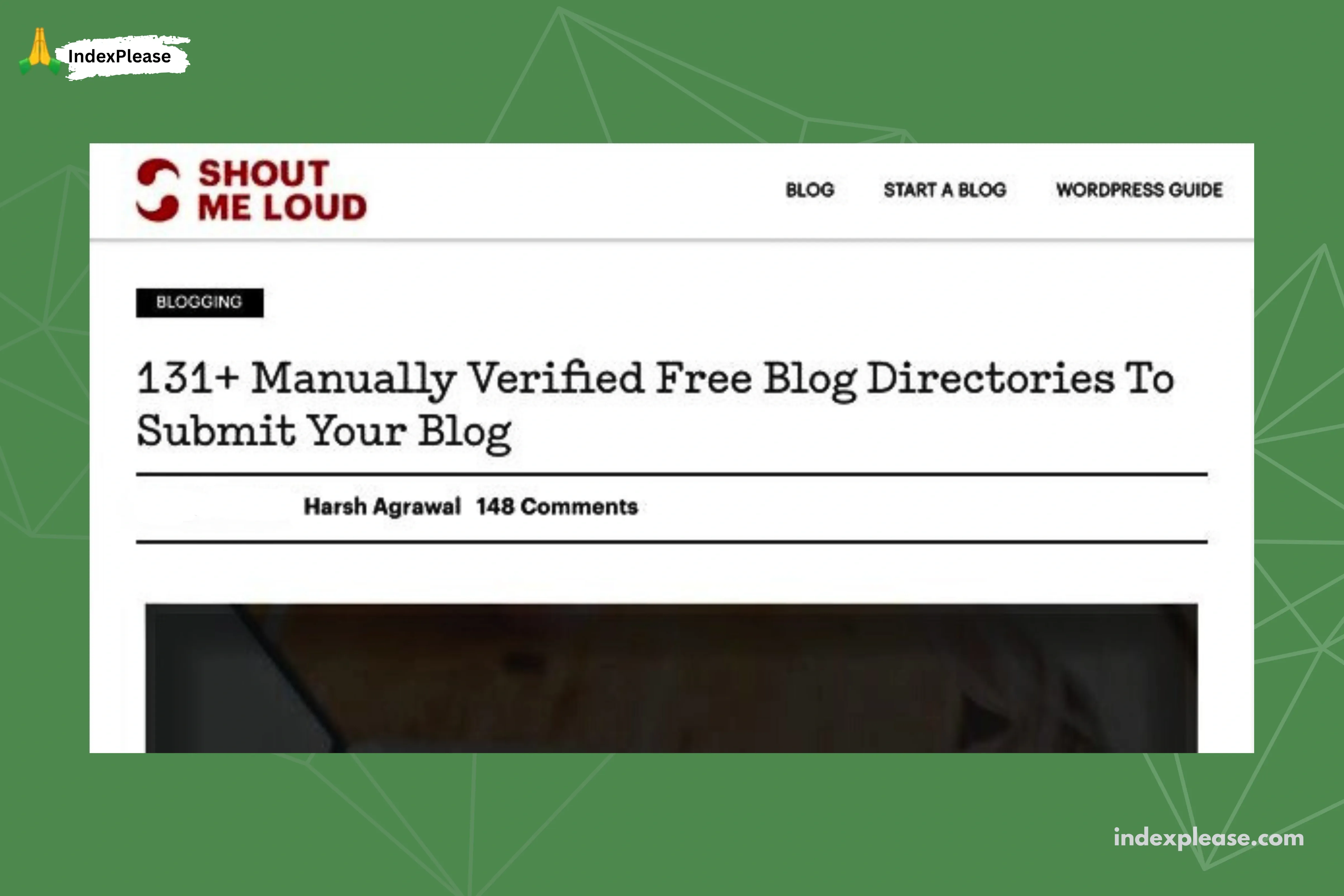
Be cautious with directory submission, as many directories are spammy.
8. Optimize site speed
Google really puts a lot of weight on how fast your site loads. That goes right along with things like backlinks and the quality of your content.
You can check it out with their PageSpeed Insights tool. It lets you look at load times for your pages. You get details on how elements load up.
Plus, it hands over suggestions to sort out any problems and make everything quicker.
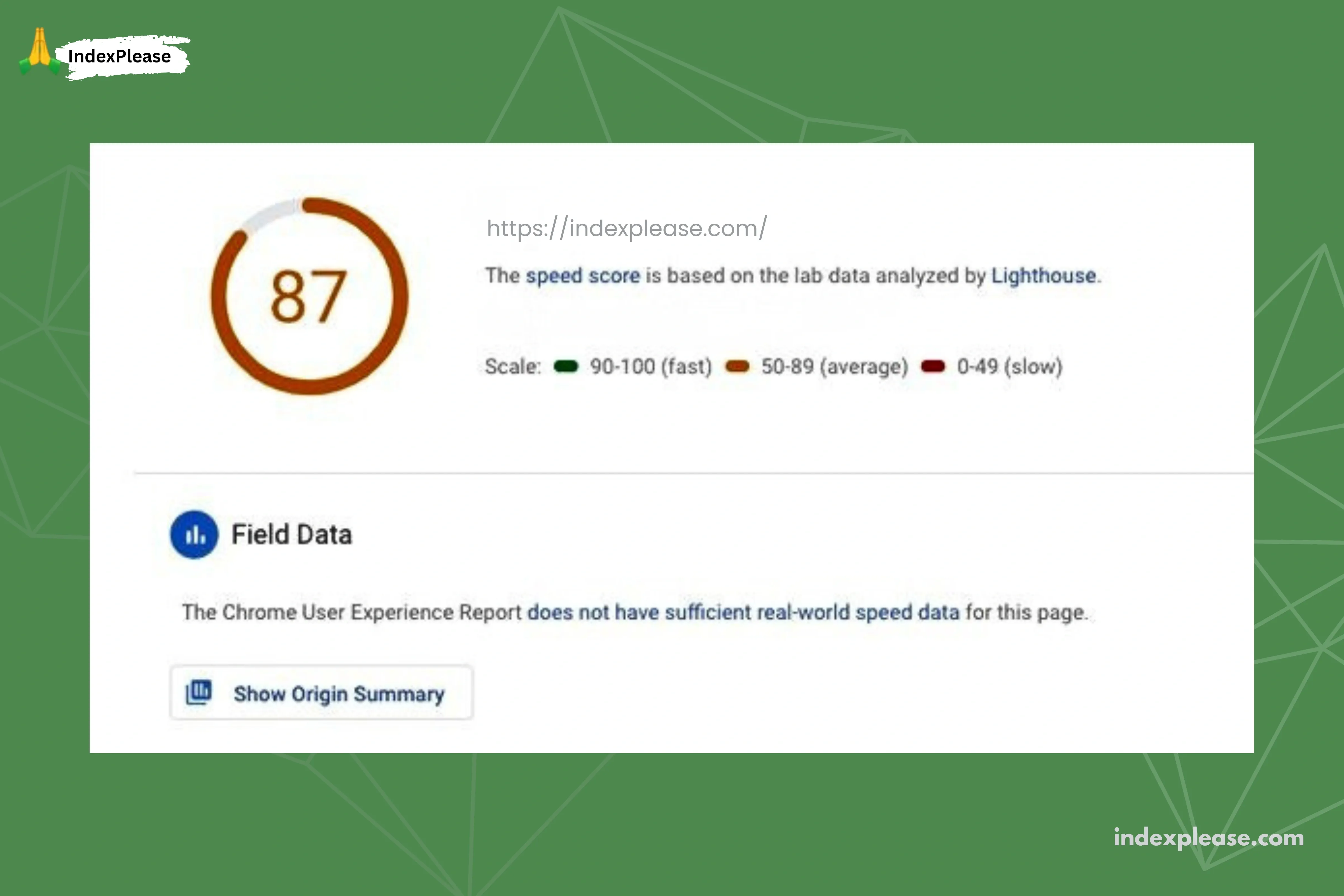
While a faster site doesn’t guarantee quicker indexing, it can improve your initial index ranking. It also allows you to test for loading issues or problems affecting Google’s bots.
9. Optimize site for mobile
PageSpeed Insights shows both mobile and desktop tabs, with mobile selected by default. This reflects Google’s emphasis on the mobile web due to high usage of phones and tablets for browsing.
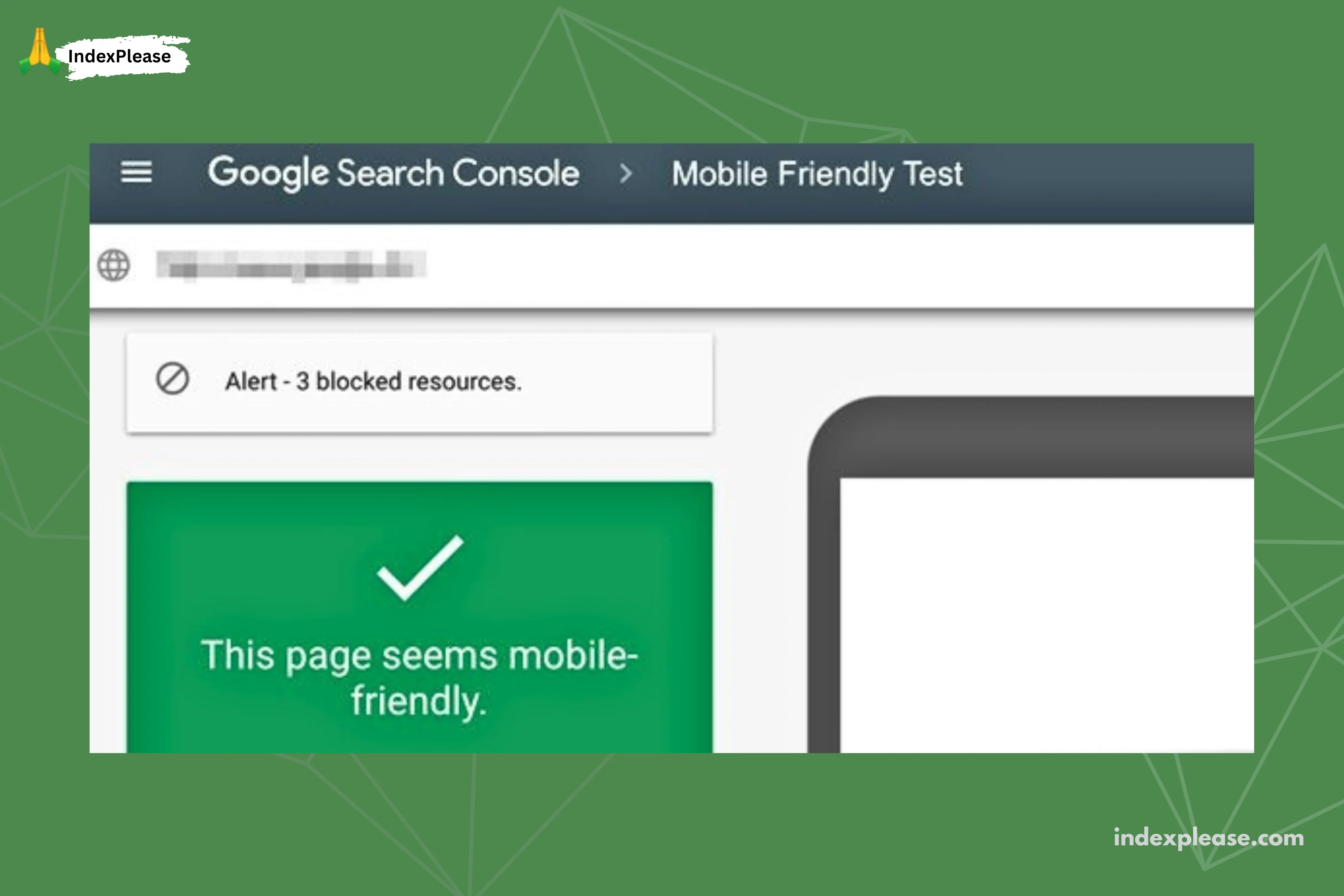
A good design must be a responsive design, though other methods exist to adjust a site for different devices.
A fast, responsive design provides a significant competitive edge.
10. Publish fresh content regularly
Publishing regularly (e.g., weekly) encourages frequent Google crawling.
New content helps indexing by allowing internal links and providing data to monitor indexing speed via Google Search Console and Analytics.
About IndexPlease
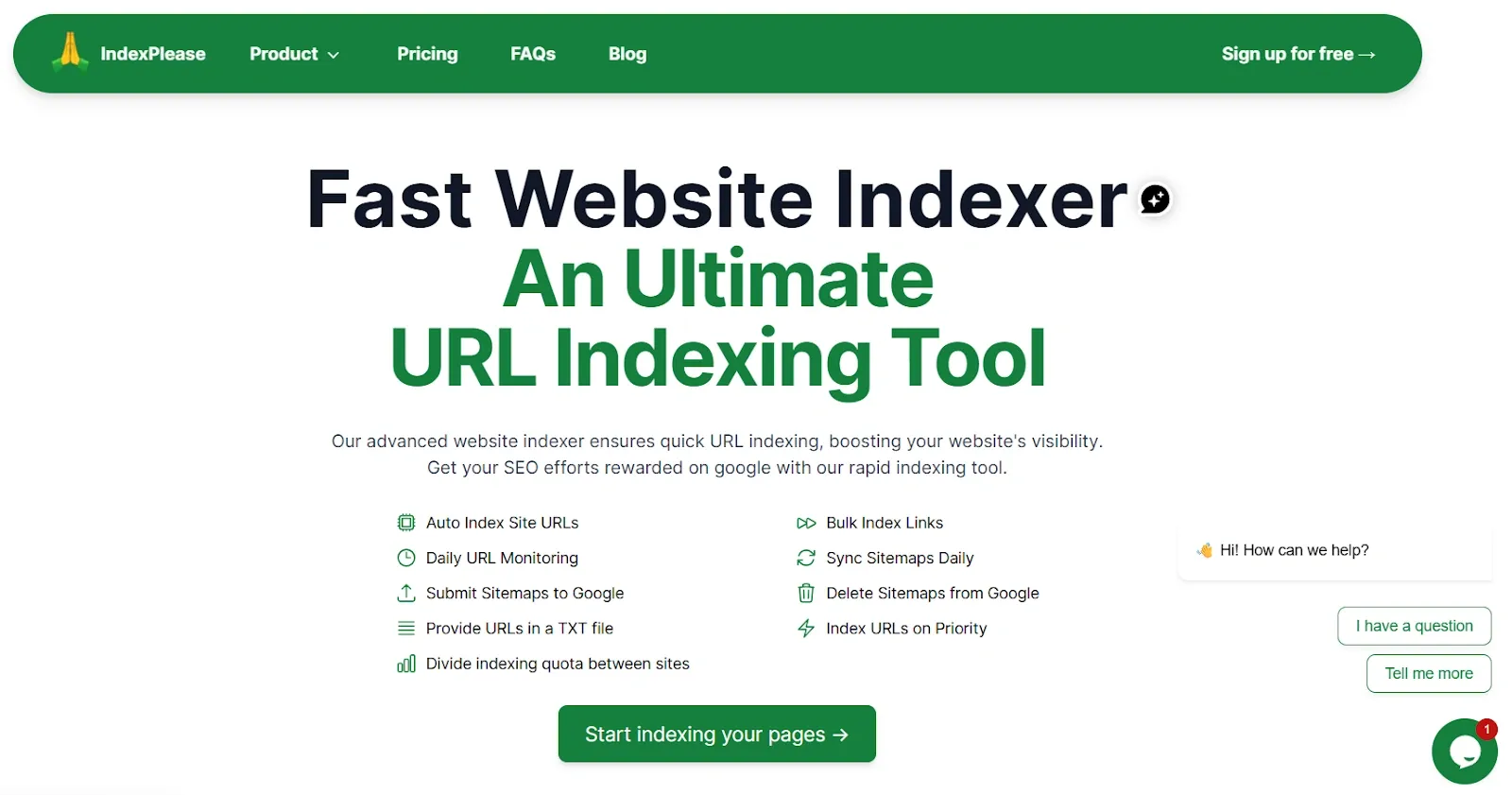
IndexPlease is a service that accelerates content indexing by search engines, primarily Google.
It allows direct URL submission to quickly signal new or updated content, complementing traditional SEO and ensuring faster search result visibility.
Final thoughts
Getting blog posts indexed fast means you need a planned strategy that covers different angles.
You have to do technical stuff like checking robots.txt files and looking out for any penalties. Then there’s building external links and setting up a sitemap to help. On top of that keep putting out steady high quality content.
Make your site load quicker and work well on phones so crawlers can move through it easily.
Tools such as IndexPlease help speed up the whole discovery process. Taking these steps ahead of time pretty much guarantees your stuff shows up fast in search results.
FAQs
What is the first step I need to take to ensure my blog post is indexed?
You should connect your website to Google Search Console right away. Think of it as Step Zero. Doing that proves you own the site and lets Google know it exists.
How can I check if Google has indexed my site?
One thing you can do to check how your site is getting indexed involves heading over to Google. Just type the site followed by your site’s URL right into the search bar. Another option is to jump into the Google Search Console. That tool works pretty well for it.
Is there an official way to submit my new blog post directly to Google?
You should submit your sitemap directly to Google Search Console for proper site handling. Google does not provide any submission form for individual posts that would guarantee their indexing or ranking.
How often should I publish content to encourage faster indexing?
Publish weekly to signal consistency to Google for frequent crawling.
What is IndexPlease and how does it relate to the 10 strategies?
IndexPlease is a specialized service that offers a direct solution to accelerate and ensure your content is indexed by search engines, primarily Google. It is a complementary tool to the ten strategies, designed to immediately signal new or updated content to Google to shorten the indexing time.